
How to migrate from WordPress to a headless CMS
Moving away from WordPress doesn't have to be a disaster. Here's the process I follow and the things that catch people out.

Is your WordPress site starting to feel like it's holding you back? If you're on WordPress, you're not alone, it powers a huge proportion of the web, and for many sites it's still the right choice. But I'm increasingly hearing from clients who've outgrown it, the plugin maintenance is exhausting, performance has degraded, the editing experience is clunky, or they need a frontend that WordPress's theme layer can't deliver. When the decision to move has been made, the migration itself is where things get risky.
I've migrated several WordPress sites to Sanity over the past eighteen months, and the process is more involved than most people expect. The content migration is the part everyone thinks about, but it's rarely the hardest part.
Step 1: Content audit
Before touching any code, catalogue everything in WordPress. Not just pages and posts, custom post types, Advanced Custom Fields data, taxonomies, menus, options pages, widgets, redirects, and any content stored in plugin-specific tables. WordPress sites accumulate content in surprising places, especially long-running ones with years of plugin changes.
I export everything to a spreadsheet: content type, count, fields, relationships, and whether each piece of content is still needed. Clients are often surprised by how much dead content has accumulated, unpublished drafts, test pages, obsolete landing pages. The migration is an opportunity to clean house.
Step 2: Design the new content model
The worst thing you can do is replicate WordPress's content model in the new CMS. WordPress structures content around posts and pages with metadata bolted on via custom fields. A headless CMS like Sanity lets you design purpose-built document types with exactly the fields editors need. Take the time to design the content model around how editors actually work with the content, not how WordPress happened to store it.
For a typical site, this means defining document types (page, post, case study, team member, service, FAQ), their fields and field types, relationships between them (a case study references a service, a post has an author), and any reusable content blocks (call-to-action sections, image galleries, testimonial carousels).
Step 3: Build the migration script
I use WordPress's REST API to extract content and Sanity's client library to import it. The script maps WordPress data to the new content model, handles image uploads (downloading from WordPress media library and uploading to Sanity's asset pipeline), and preserves relationships. Rich text content needs particular care, WordPress stores HTML with shortcodes and block editor markup that needs to be converted to Sanity's Portable Text format.
This script will run multiple times during development, not just once. You'll run it, find edge cases (a blog post that uses an unusual shortcode, an image field that's sometimes empty, a taxonomy that was renamed halfway through the site's life), fix them, and run it again.
Step 4: Handle URLs and SEO
Every existing URL that has search traffic or external links needs a redirect to its new equivalent. If the URL structure is changing (from /2023/01/my-post/ to /blog/my-post), the redirect map needs to be comprehensive. I implement redirects at the hosting/CDN level where possible, not in application code, they're faster and more reliable.
Update Google Search Console, resubmit the sitemap, and monitor the Coverage report for the first few weeks after launch. Some ranking fluctuation is normal during a migration, but significant traffic drops indicate missing redirects or content that didn't transfer correctly.
The timeline
A typical migration for a site with 50-100 pages, a blog with 100+ posts, and custom content types takes six to eight weeks of development time. The content audit and modelling phase is usually a week, the migration script is one to two weeks, the new frontend build is three to four weeks, and QA and launch preparation is another week. Rush it and you'll miss content, break links, and create a poor editorial experience.
If you're considering moving away from WordPress and want to understand what's involved, I can scope it for you, get in touch.
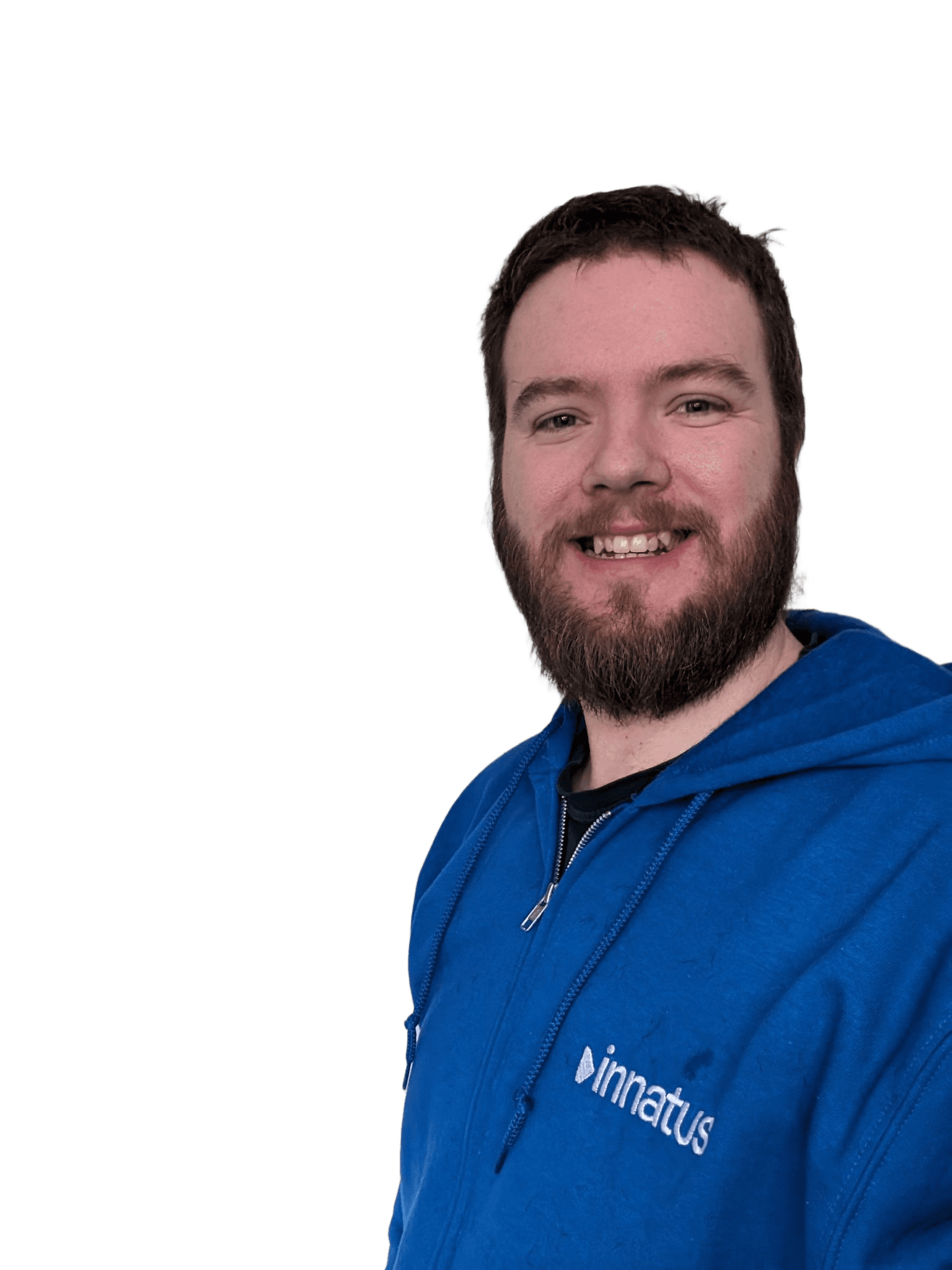
Chris Ryan
Managing Director
17+ years in full-stack web development, most of it leading teams agency-side across e-commerce, CMS platforms, and bespoke applications. Specialises in infrastructure, system integration, and data privacy, with hands-on experience as a Data Protection Officer. Founded Innatus Digital in 2020 to offer the kind of honest, technically-led partnership that he felt was missing from the agency world.